I used to ignore update notifications more often than I should have. They felt like interruptions rather than something important. Over time, I realized those small updates were actually protecting my data, devices, and daily workflow. That shift in mindset completely changed how I handle software updates today.
What Are Software Updates and Patch Management?
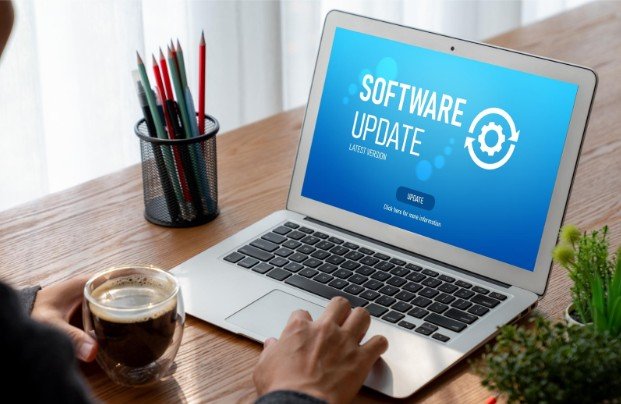
Software updates are improvements released by developers to fix bugs, improve performance, and close security gaps. Patch management is the structured tracking system, testing, and applying these updates across systems.
This process is not limited to just computers. It includes applications, operating systems, mobile devices, and even connected devices used in everyday environments. Keeping everything updated ensures that systems stay aligned with current standards and function as expected.
Why Does Patch Management Matter for Security?
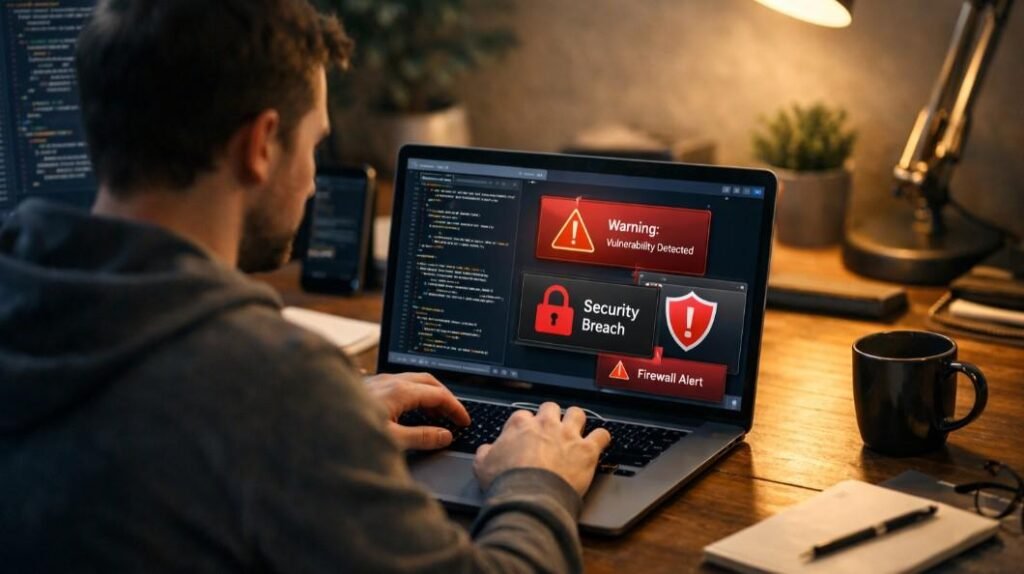
Security threats often target known weaknesses in outdated software. Attackers do not always need advanced methods. They look for systems that have not applied available fixes.
Regular updates close these gaps before they can be exploited. Without them, systems remain exposed to risks such as unauthorized access, malware, and data breaches. Consistent patching reduces these risks and strengthens overall system protection.
What Risks Come From Ignoring Updates?

Ignoring updates can lead to serious consequences beyond minor technical issues. One of the most significant risks is exposure to security vulnerabilities that can compromise sensitive data.
Outdated systems may also experience compatibility problems with newer tools. This can result in crashes, reduced performance, and interruptions in daily tasks. Over time, these issues can affect productivity and increase maintenance efforts.
Another concern is ransomware attacks. Many of these attacks succeed because systems are not updated in time, making them easy targets.
How Do Updates Improve Performance and Stability?
Updates often include performance improvements that make systems run more efficiently. Developers code optimization techniques, fix errors, and enhance compatibility with other tools. This leads to smoother operation, fewer crashes, and better integration with modern applications.
Updated systems also adapt more easily to changing environments, ensuring consistent performance over time. Regular updates help maintain stability, allowing systems to handle workloads without unexpected disruptions.
Patch Management vs Vulnerability Management
Patch management focuses on applying updates to fix known issues. Vulnerability management takes a broader approach by identifying and analyzing potential risks before they are exploited.
Both processes work together. Vulnerability management identifies the problem, while patch management provides the solution. Combining these approaches strengthens overall security and reduces exposure to threats.
How To Build a Simple Patch Management Process

A reliable patch management process starts with understanding what systems and software are in use. Creating a clear inventory helps track what needs to be updated. Next, establish a consistent schedule to check for updates.
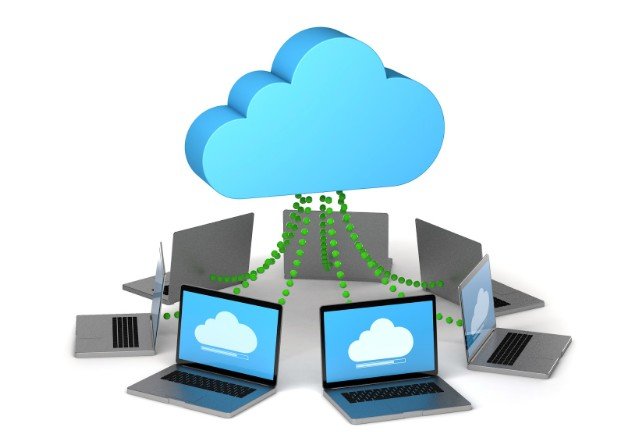
Critical updates should be applied immediately, while others can follow a planned routine—especially for sensitive environments like cloud storage safe for personal files, where timely patching helps protect data from vulnerabilities.
Testing updates before full implementation helps avoid compatibility issues. Automation can simplify the process by applying updates without manual intervention. Regular monitoring ensures that no system is left outdated. Consistency is the key. Treating updates as a routine task helps maintain long-term system health.
Common Patch Management Mistakes to Avoid
Delaying updates is one of the most common mistakes. Even short delays can create vulnerabilities that attackers may exploit. Another issue is ignoring smaller updates. These updates often contain important fixes that should not be overlooked.
Failing to track all devices can also create security gaps. Systems that are not monitored may remain outdated without notice. Relying only on manual processes increases the chances of missing updates. Using automation helps maintain consistency and reduces human error.
How the Importance of Regular Software Updates and Patch Management Impacts Daily Operations
The importance of regular software updates and patch management becomes clear when systems run smoothly without unexpected issues. Updated systems support consistent performance and reduce downtime.
This also improves reliability in handling sensitive data and daily operations. When updates are managed properly, systems remain stable, secure, and efficient. Maintaining this process ensures that systems continue to function as expected, even as technology evolves.
Frequently Asked Questions
1. How often should software updates be applied?
Updates should be checked regularly, ideally on a weekly basis. Critical updates should be applied as soon as they are available.
2. Are automatic updates safe to use?
Automatic updates are generally safe and help ensure systems remain current. For more complex environments, testing may be useful before full deployment.
3. What happens if updates are ignored?
Ignoring updates can lead to security risks, system instability, and reduced performance over time.
4. Is patch management necessary for individuals?
Yes, patch management is important for both individuals and organizations. It helps protect devices and data from evolving threats.
Final Thoughts
I see updates very differently now. They are no longer interruptions but a simple habit that keeps everything running smoothly. Making them part of a routine has reduced risks, improved performance, and created a more reliable system overall.
The importance of regular software updates and patch management is not just about fixing issues. It is about staying prepared, maintaining stability, and building a secure foundation for everyday use.