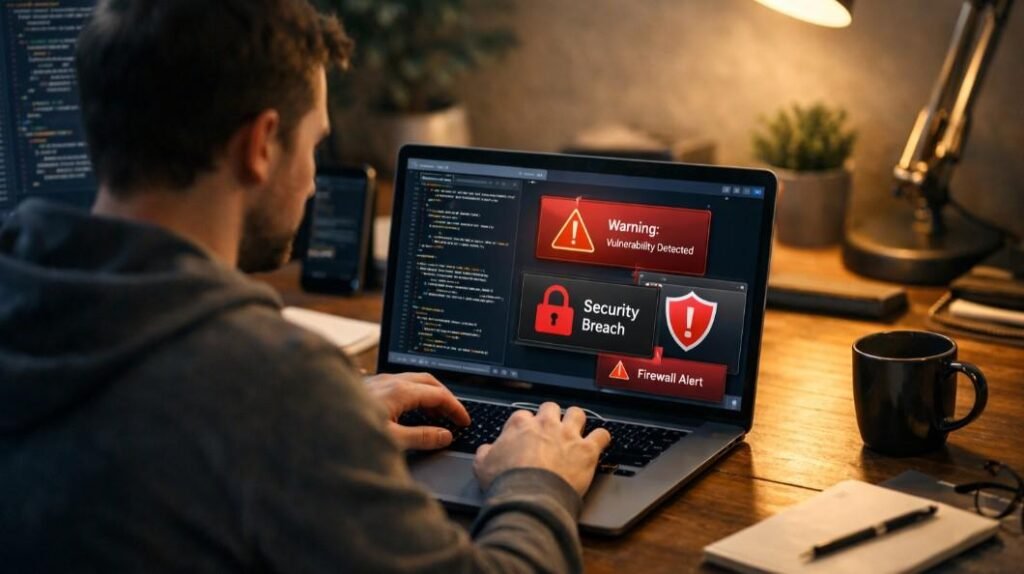

I always thought cloud storage was either completely safe or completely risky. The more I explored it, the more I realized the answer is not that simple. Is Cloud Storage Safe for Personal Files? It can be, but only if the right security features are used and basic precautions are followed from the start.
Cloud storage today holds everything from personal photos to important documents like tax records and identity proofs. That makes it incredibly convenient, but it also means the stakes are higher. Safety depends on both the provider’s security systems and how the account is managed.
What Makes Cloud Storage Safe in the First Place?
Cloud storage becomes secure when it protects files during transfer and while stored on servers. Strong providers use encryption in transit and at rest, which helps prevent unauthorized access.
However, encryption alone is not enough. Some services can still access user data depending on how their systems are designed. That is where the difference between basic security and true privacy becomes clear.
What Are the Real Risks for Personal Files?

Most risks do not come from advanced hacks. They usually come from weak passwords, phishing attacks, or accidental sharing. A single mistake can expose sensitive files without the user realizing it.
Another major risk is ransomware, where files become locked or inaccessible. If there is no backup or recovery option, this can lead to permanent data loss.
Which Security Features Should You Look For Before Uploading Anything?
The safest cloud storage setups include strong encryption, multi-factor authentication, suspicious activity alerts, and file recovery options. These features work together to reduce risk.
Extra protection layers like secure vaults or locked folders also help protect sensitive data protection. These are especially useful for storing documents that should not be easily accessible.
Is Cloud Storage Safe for Personal Files? Only If You Avoid This Common Mistake
One common mistake is assuming cloud storage automatically protects everything. In reality, user behavior plays a major role in safety. Using weak passwords, ignoring security alerts, or sharing files without checking permissions can quickly turn a secure system into a vulnerable one.
Which Personal Files Need Extra Protection?
Some files require stronger protection than others. Identity documents, financial records, legal papers, and account recovery details should always be stored in a more secure environment. Keeping these files separate from everyday documents reduces the risk of accidental exposure. It also makes it easier to manage access and monitor activity.
Make Your Cloud Storage Much Safer
Choosing a reliable provider is the first step. A trustworthy service clearly explains its security features and offers tools to protect user data. Enabling multi-factor authentication adds an extra layer of security. Even if a password is compromised, this step helps prevent unauthorized access.
Separating sensitive files into protected folders is another effective habit. This reduces the chance of exposure through everyday sharing or syncing. Checking sharing settings before sending files is equally important. Limiting access and using temporary links can help keep files private.
Maintaining a secondary backup ensures that important files are not lost. Relying on a single storage solution can create unnecessary risk.
What Is the Best Bottom-Line Answer?
For most people, cloud storage is a practical and safe option when used correctly. Modern services offer strong protection, but safety still depends on how those tools are used. Understanding the difference between convenience and security helps in making better decisions about storing personal data.
Frequently Asked Questions
1. Should I store sensitive documents in cloud storage?
Sensitive documents can be stored safely if they are placed in protected folders and secured with strong authentication methods.
2. Is cloud storage safer than a local hard drive?
Both have advantages. Cloud storage offers accessibility and recovery options, while local storage gives full control. A combination of both is often the safest approach.
3. Do I need multi-factor authentication?
Yes, it is one of the most effective ways to protect an account. It adds an extra step that makes unauthorized access much harder.
4. Can cloud storage replace backups completely?
No, it should not be the only backup. Keeping an additional copy of important files reduces the risk of data loss.
Final Thoughts
I now look at cloud storage differently than I used to. It is not something to blindly trust or completely avoid. Is Cloud Storage Safe for Personal Files? It is, as long as I use the right features, stay mindful of risks, and build simple habits around protecting my data.
Once I started treating cloud storage as a tool that requires active management, it became far more reliable and useful for everyday needs.